
How to Pair an Adjustable Bed Remote
If your adjustable bed remote is new, has stopped communicating with the base, or still will not work after a reset, it may need to be paired again. The correct pairing method depends on the brand and model, but these steps will help you start in the right place.
Quick Answer
Start with fresh batteries and make sure the adjustable base has power. Then find your exact model number and use that manufacturer’s pairing instructions. Most systems use a button on the control box, a button sequence on the remote, or both.
When You May Need to Pair the Remote
Remote pairing is commonly needed when:
- You bought a replacement remote for your adjustable base.
- The remote lights up but the bed does not respond.
- The base was unplugged, reset, or affected by a power outage.
- You have a split king bed and one remote controls only one side.
- The remote was accidentally paired to another nearby base.
- The bed stopped responding after you changed remote batteries.
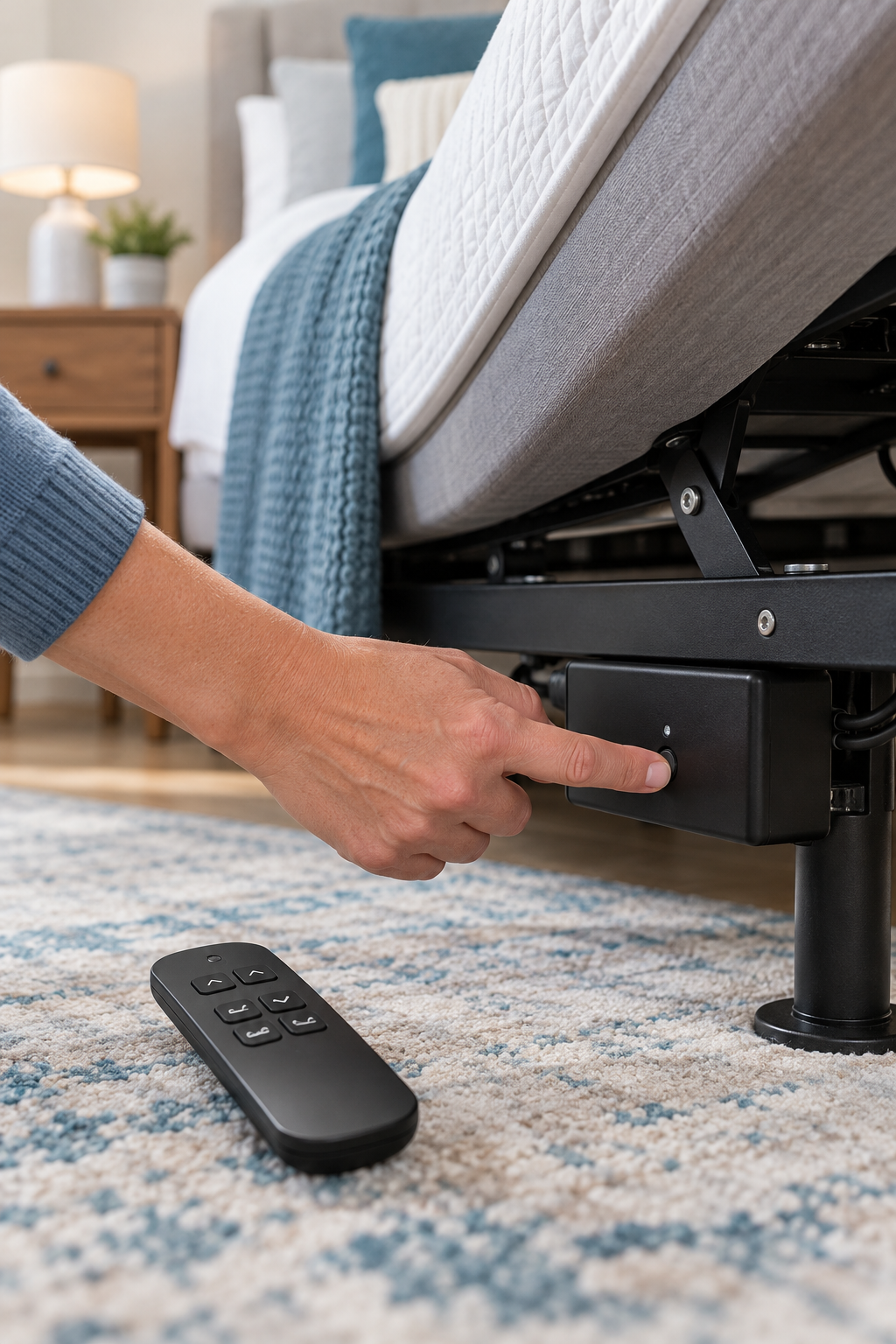
Before You Try to Pair the Remote
Put in new batteries and check that the plus and minus ends are facing the correct direction. Weak batteries can make pairing fail even when the remote still lights up.
Make sure the base is connected to a working outlet and the power supply is firmly connected. Check the control box under the bed for a light or another sign that it has power.
Look underneath the base, on the frame, in the owner’s manual, or on warranty paperwork. Pairing instructions can differ between models made by the same company.
Some bases give you only a few seconds to press the remote button after you activate pairing mode. Read the full sequence before you begin.
Your base may use a Pair, Learn, or Sync button on the control box. Others use a specific remote button sequence. Use only the instructions for your model.
Where Is the Pairing Button?
On many adjustable bases, the pairing button is located on or near the control box underneath the bed. It may be labeled “Pair,” “Learn,” or “Sync,” or it may not be labeled at all. Other models pair directly through the remote. Do not press unfamiliar buttons unless your model’s official instructions tell you to.
If Pairing Does Not Work
Before assuming the remote is bad, try these final checks:
- Confirm the remote is the correct compatible model for your adjustable base.
- Check whether the remote has a child-lock feature turned on.
- Power-cycle the base by unplugging it for about 60 seconds.
- Repeat the official pairing sequence after the base has restarted.
- Check whether another remote or app can operate the base.
- Use the manufacturer’s support page if the control box has an error light or code.
Official Brand Pairing Instructions
Use your exact model number whenever possible. The correct pairing procedure can vary by remote and adjustable-base model.