
Adjustable Bed Control Box Not Working? How to Find the Problem
The control box is the small unit under an adjustable bed that receives commands from the remote and sends power to the motors. If your bed has power but will not move, moves only one section, or does not respond to the remote, a loose control-box connection or a control-box problem may be the cause.
Quick Answer
Unplug the adjustable base, then check that every cable is firmly connected to the control box. Look for a loose power supply plug, motor wire, or remote receiver connection. Reconnect the base after about 60 seconds and test it again. If the control box has power but still does not send commands to the motors, it may need manufacturer service or replacement.
Signs the Control Box May Be the Problem
A control-box issue can look like a motor, remote, or power problem. Common signs include:
- The remote lights up, but the adjustable bed does not move.
- The bed has power, but neither the head nor foot section responds.
- Only one section of the bed works while another does not.
- The base stopped working after being moved, unplugged, or assembled.
- A cable under the bed looks loose, pinched, or pulled from its port.
- The control box has a light, beep, or error indicator but the bed will not respond.
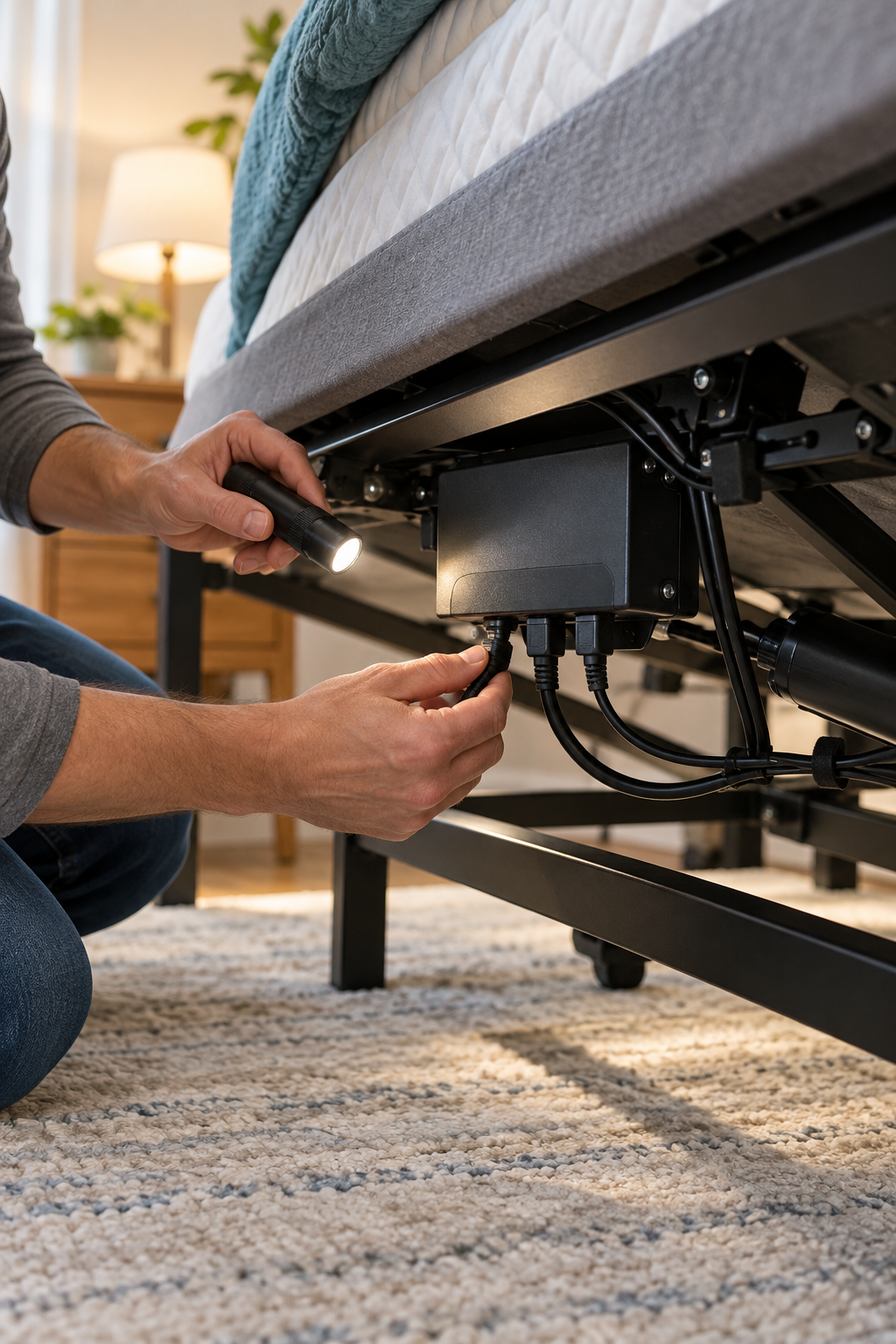
What to Check When the Control Box Is Not Working
Disconnect the bed from the wall before reaching under the frame. Do not touch the control box, power supply, or motor cables while the base is connected to power.
It is usually a small rectangular box mounted underneath the adjustable base. Several cables may plug into it, including the power supply, remote receiver, head motor, and foot motor.
Make sure the power supply cable is firmly seated in the control box and that the power supply itself is plugged securely into a working outlet.
Check the motor cables and any remote receiver or sync cable connected to the control box. A plug can look connected but still be loose enough to keep the base from responding.
Look for a wire caught in the bed frame, pulled tight near a moving joint, or damaged after the bed was moved. Do not use the base if you see exposed wire or damaged connectors.
Leave the base unplugged for about 60 seconds. Reconnect it, wait briefly, and test the remote again. A full power reset can clear a temporary control-box communication issue.
If one motor works and the other does not, the control box may still be functioning and the problem may be with the non-working motor or its cable. If nothing works, check the power supply, remote, and control box before ordering parts.
Do Not Swap or Force Connections
Do not move plugs to different ports, force a connector into place, cut wires, or use a control box from another adjustable bed unless the manufacturer confirms it is compatible. Control boxes are designed for specific motors, remotes, power supplies, and base models.
If the Control Box Still Will Not Work
Before ordering a replacement control box or calling support, try these final checks:
- Take a clear photo of the control-box label and every visible connection.
- Write down the adjustable-bed brand and model number.
- Check whether the control box has an indicator light, beep, or error code.
- Confirm the remote is paired and has fresh batteries.
- Check whether the power supply works and is the correct one for your base.
- Stop using the bed if there is a burning smell, damaged wiring, or repeated clicking without movement.
Find Your Brand’s Instructions
Control-box wiring, reset steps, and replacement parts vary by adjustable-base brand and model. Use the official support information for your exact base before disconnecting anything or ordering a replacement.