
Adjustable Bed Not Getting Power? What to Check First
If your adjustable bed is not getting power, the issue is often a loose connection, a failed outlet, an unplugged power supply, or a control-box problem under the bed. Start with these safe checks before assuming you need a replacement part.
Quick Answer
Check that the base is plugged into a working outlet, then inspect the power supply and control-box connections under the bed. If the control box has no indicator light after those checks, the base may not be receiving power. Do not use the base if you see damaged wiring or smell anything burning.
Signs Your Adjustable Bed May Not Have Power
Power trouble can look different depending on the base, but common signs include:
- The bed makes no sound when you press the remote.
- The control box under the bed has no light.
- The base stopped working after a power outage.
- The remote lights up, but the bed does not move.
- Only one side of a split king adjustable bed works.
- The base stopped after being moved or cleaned underneath.
- The power supply or cord appears loose under the bed.
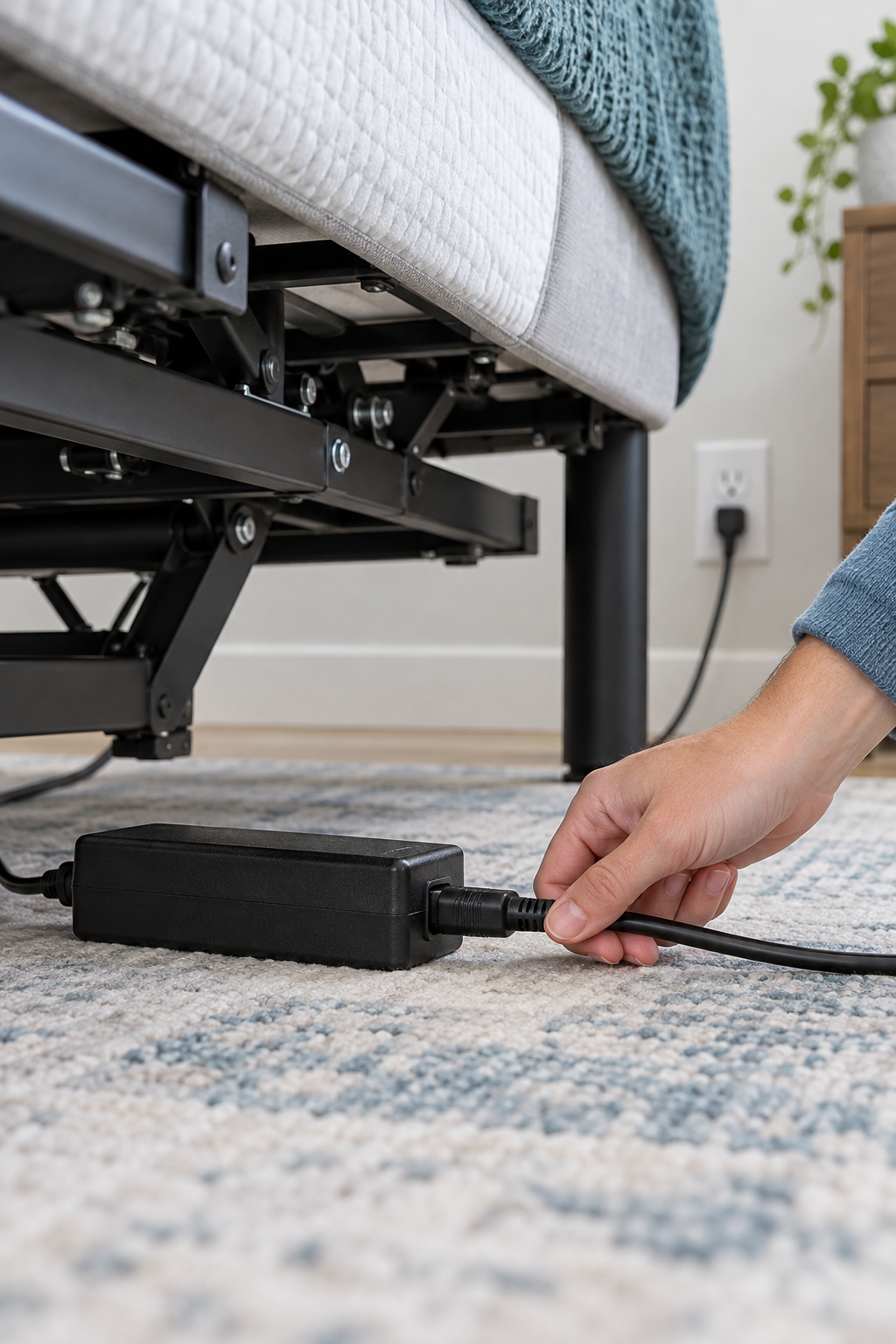
How to Check an Adjustable Bed Power Problem
Plug in a lamp, phone charger, or another small device you know works. If it does not turn on, try another outlet or check the breaker.
Make sure the plug is fully inserted and has not been bumped loose. If you use a surge protector, make sure it is switched on and working.
Look for the black power brick between the wall outlet and the base. Make sure each connection is firmly seated, but do not force any plug.
Many adjustable bases have a small indicator light on the control box. If it is off after you confirm the outlet and power supply are connected, the base may not be receiving power.
Unplug the adjustable base for about 60 seconds, then plug it back in. Wait briefly before testing the Flat button and one movement button.
Once the control box has power, use fresh remote batteries and make sure the remote is not locked. Some remotes need to be paired again after an outage or reset.
Safety First
Stop and contact the manufacturer or a qualified repair professional if you see frayed wiring, melted plastic, sparks, smoke, or a burning smell. Do not use a substitute power supply unless the manufacturer confirms it is compatible with your exact adjustable-base model.
If the Base Still Has No Power
If the outlet works and all visible connections are secure, the issue may be inside the power supply or control box. Before ordering anything:
- Find the bed’s model number and the label on the power supply.
- Take clear photos of the control box, power brick, and connection ports.
- Check the official troubleshooting guide for your exact model.
- Confirm whether the base is still covered by its warranty.
- Do not buy a generic replacement part just because the plugs look similar.
Official Adjustable Bed Support
Your manufacturer can help confirm whether the problem is the outlet, power supply, control box, remote, or another part of the base.