
Adjustable Bed Won’t Go Down? How to Find the Problem
If your adjustable bed is raised or stuck upright and will not go down, do not force it flat by hand. A power interruption, remote issue, obstruction, loose connection, or control-box problem can keep the base from lowering normally.
Quick Answer
Clear anything that could block the base, then check the power connection and try the Flat or down button with fresh remote batteries. Unplug the base for about 60 seconds, reconnect it, and try again. If it still will not lower, use only the official reset or emergency-lowering instructions for your exact model.
Why an Adjustable Bed May Not Go Down
This problem can happen when:
- The base lost power while it was raised.
- The remote needs fresh batteries or has lost pairing.
- The remote is locked or only some buttons are responding.
- Something is blocking the frame or moving parts under the bed.
- A cable has come loose from the control box or motor.
- The control box or motor needs to be reset.
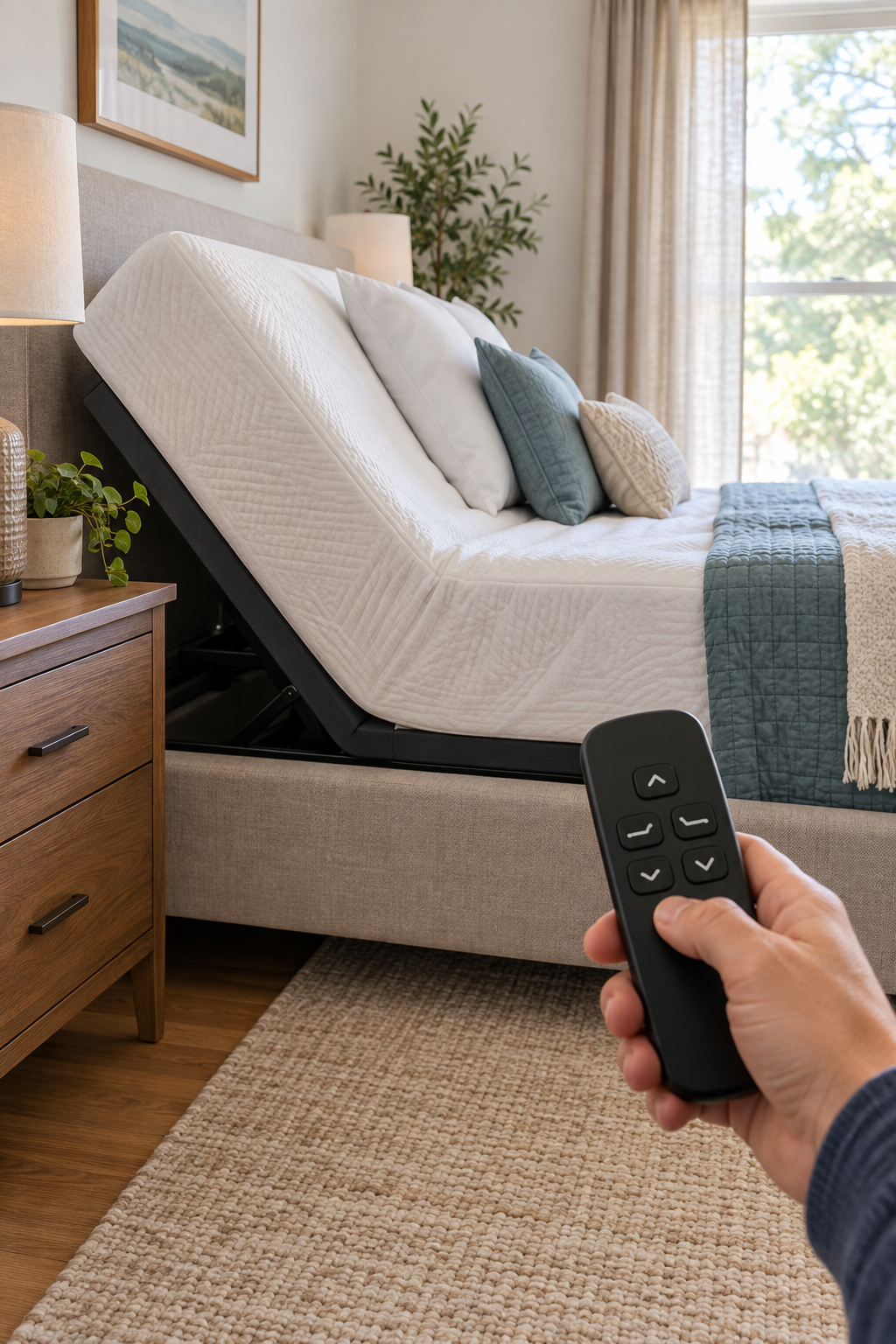
What to Check When the Bed Will Not Lower
Look for storage bins, cords, bedding, furniture, or anything else that could block the base from moving downward.
Some remotes have a dedicated Flat button that may work even when a head-down or foot-down button does not.
A remote can still light up with weak batteries but may not reliably send commands to the base.
Check the outlet, power supply, and control-box connections under the bed. A base cannot lower if it has lost power.
Unplug the adjustable base for about 60 seconds, reconnect it, and wait briefly before testing the remote again.
Some bases reset with the Flat button, while others have a control-box sequence. Use only your manufacturer’s model-specific instructions.
Do Not Force the Bed Flat
Do not push down on the raised section, sit on it to make it lower, or manually force the frame down. That can damage the motor, joints, or frame. If you need to lower the bed after a power failure, use only your model’s official emergency power-down instructions.
If the Bed Still Will Not Go Down
Before ordering a remote or replacement part, try these final checks:
- Check whether the control box has a light, beep, or error indicator.
- Inspect visible connections at the control box and motor.
- Make sure the remote is unlocked and paired correctly.
- Try another compatible remote if one is available.
- Find the bed’s model number before contacting support.
- Stop using the base if you hear grinding, see damaged wiring, or smell burning.
Find Your Brand’s Instructions
Reset, emergency-lowering, and remote procedures are different for each adjustable base. Use the official support information for your exact model.