
Adjustable Bed Remote Lights Up but Bed Won’t Move
If your adjustable bed remote lights up but the base does not move, the remote has battery power—but the problem may be with the adjustable base, power supply, control box, or the connection between the remote and bed.
Quick Answer
A remote that lights up does not necessarily mean the adjustable base has power or is receiving the remote’s signal. Check the base’s power supply and control-box connections, then unplug the base for 60 seconds and reconnect it. If the bed still does not respond, the remote may need to be paired again.
What This Usually Means
This problem often looks like one of these situations:
- The remote buttons light up, but the bed makes no sound.
- The base stopped moving after a power outage or being unplugged.
- Only one side of a split king bed responds.
- The base clicks or hums but does not raise or lower.
- The remote was recently replaced.
- The bed works with another remote but not this one.
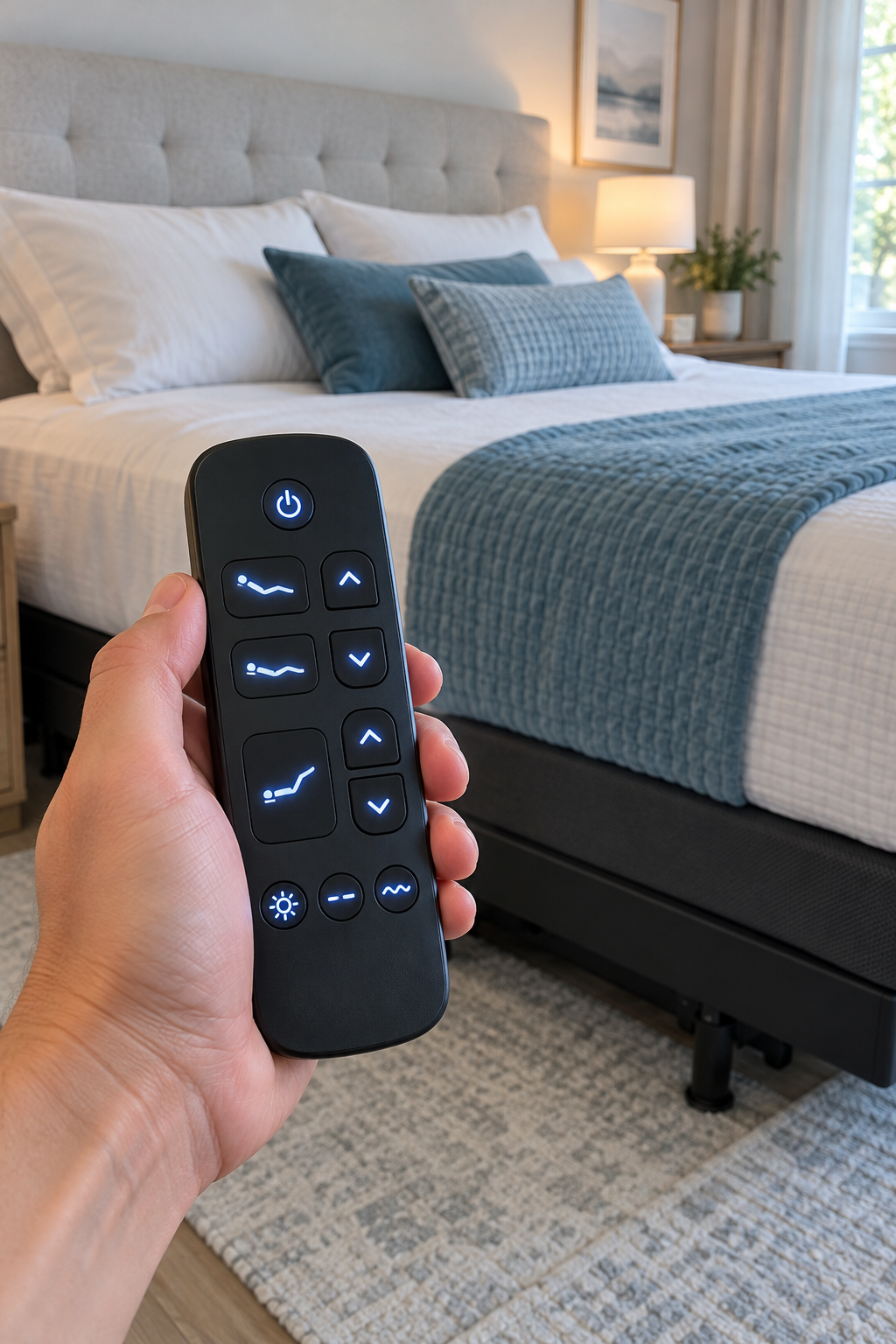
What to Check When the Remote Lights Up
Check that the base is plugged into a working outlet. A remote can light up from its own batteries even when the adjustable base itself has no power.
Many adjustable bases have a small light on the control box. If it is not lit, check the power supply and cord connections first.
With the bed unplugged, look for a cable that has come loose from the control box, motor, or power supply. Do not pull on wires or force a connector.
Unplug the adjustable base for about 60 seconds, plug it back in, and wait briefly for it to restart. Then test the Flat button and one movement button.
Many remotes can still light up while their buttons are disabled by a child-lock feature. Use the official unlock instructions for your exact model.
If the remote has power but cannot communicate with the base, it may need to be paired again. Use your manufacturer’s instructions for your exact model.
What the Bed Does Can Help Narrow It Down
No sound or movement: Start with the outlet, power supply, control-box light, and remote pairing. Clicking or humming but no movement: Check for an obstruction and inspect the connections under the bed. One side works but the other does not: Check the non-working side’s power and connections separately.
If the Bed Still Will Not Move
Try these next steps before ordering parts:
- Test the electrical outlet with another working device.
- Replace the remote batteries, even if the remote still lights up.
- Make sure nothing is trapped under the base or blocking its movement.
- Check whether another remote or app can operate the bed.
- Find the bed’s model number before purchasing a replacement remote or control box.
- Stop using the base if you see damaged wiring, smell burning, or hear unusual grinding.
Brand-Specific Help
Use official support information for your exact adjustable-base model. A reset, pairing sequence, or child-lock procedure that works for one model may not work for another.